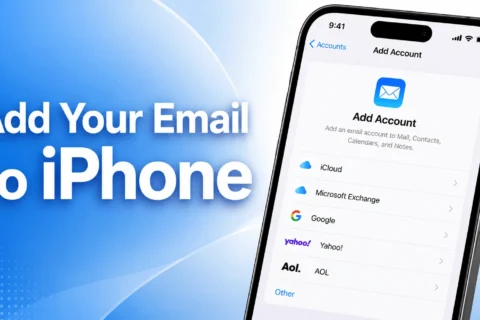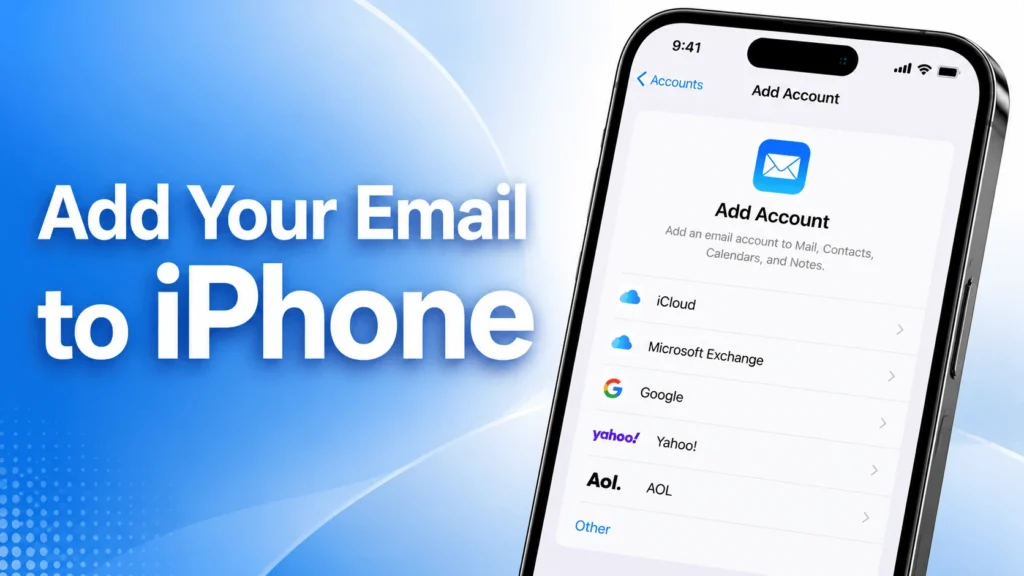
Add Your Email to iPhone.
1
Open Settings on your iPhone
Open Settings on your iPhone
2
Scroll down and tap Apps
Scroll down and tap Apps
3
Select Mail
Select Mail
4
Tap Mail Accounts
Tap Mail Accounts
5
Tap Add Account
Tap Add Account
6
Choose Other
Choose Other
7
Enter your email address then tap Next
Enter your email address then tap Next
8
Enter your Name, Email Address, and Password
Enter your Name, Email Address, and Password
9
Tap Next
Tap Next
10
Enter the incoming and outgoing server settings provided by TippiHost
Enter the incoming and outgoing server settings provided by TippiHost
11
For the username, always use your full email address
For the username, always use your full email address
12
Tap Next and wait for verification
Tap Next and wait for verification
13
Tap Save
Tap Save
✓
Your email is now ready to use on your iPhone
Your email is now ready to use on your iPhone