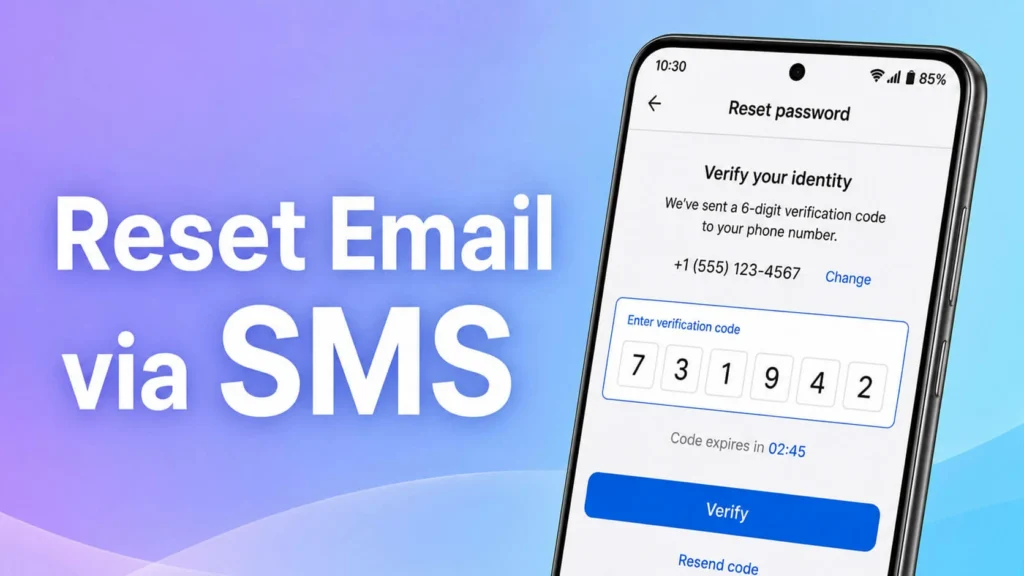
Reset Your Email Password Using SMS Verification
1
Go to mail.tipphost.com
Go to mail.tipphost.com
2
Click “Forgot Password”
Click “Forgot Password”
3
Enter your Email Address then click “Continue”
Enter your Email Address then click “Continue”
4
Click “Add Country Code” and select “United States”
Click “Add Country Code” and select “United States”
5
Enter your Phone Number then click “Continue”
Enter your Phone Number then click “Continue”
6
You will receive an SMS with a verification code
You will receive an SMS with a verification code
7
Enter the Verification Code then click “Continue”
Enter the Verification Code then click “Continue”
8
Enter your New Password and confirm it
Enter your New Password and confirm it
9
Click “Reset Password”. Your password has been successfully reset.
Click “Reset Password”. Your password has been successfully reset.